International System of Units (SI) — BIPM
Defines the global base units and standards for all physical measurements used in surveying and engineering.

Quickly calculate the area and perimeter of any plot — regular or irregular. Ideal for surveying, construction, and land measurement.
| Value | Conversion |
|---|---|
| 📐 Area Units | |
| 1 m² | 10.7639 ft² = 1.19599 yd² |
| 1 ft² | 0.092903 m² |
| 1 yd² | 0.83612736 m² |
| 1 acre | 4046.86 m² = 4840 yd² = 43,560 ft² |
| 1 hectare (ha) | 10,000 m² = 2.47105 acre |
| 1 square mile | 2.58999 km² = 640 acre |
| Regional Units | |
| 1 Marla (Standard) | 25.2929 m² = 272.25 ft² = 30.25 yd² |
| 1 Kanal | 20 Marla = 505.857 m² = 5445 ft² |
| 1 Acre | 8 Kanal = 160 Marla = 4046.86 m² |
| South Asian Units | |
| 1 Bigha (Punjab) | ≈ 1008 yd² = 817.1 m² = 0.2023 acre |
| 1 Bigha (UP/Haryana) | ≈ 2,500–2,700 m² (region dependent) |
| 1 Katha (Punjab) | ≈ 125 yd² = 104.5 m² |
| 1 Guntha | 1/40 acre = 101.17 m² |
| ⚙️ Engineering & Technical Units | |
| 1 cm² | 0.0001 m² |
| 1 mm² | 1e-6 m² |
| 1 m² | 1550.0031 in² |
| 1 yd² | 9 ft² |
| 1 yard | 0.9144 m |
x,y — coordinates in chosen length unit.Calculate plot area & perimeter instantly in meters, feet, yards, marla, kanal & acres. Free tool with formulas, conversions & step-by-step guide for accurate land measurement.
Ever stood on a piece of land wondering, "How big is this plot actually?" You're not alone.
Whether you're buying property in Karachi, planning a garden in Toronto, or mapping farmland in Australia, knowing your plot's exact area and perimeter isn't just helpful—it's essential. The wrong calculation could cost you thousands in property deals or construction disasters.
Here's the thing: measuring land doesn't have to be complicated. With the right calculator and understanding of basic geometry, you can measure any plot—rectangular, irregular, or polygon-shaped—in minutes, not hours.
This guide walks you through everything: how plot calculators work, the formulas behind them, and how to measure your land accurately in any unit (meters, feet, yards, marla, kanal, or acres). By the end, you'll confidently calculate area and perimeter like a surveyor.
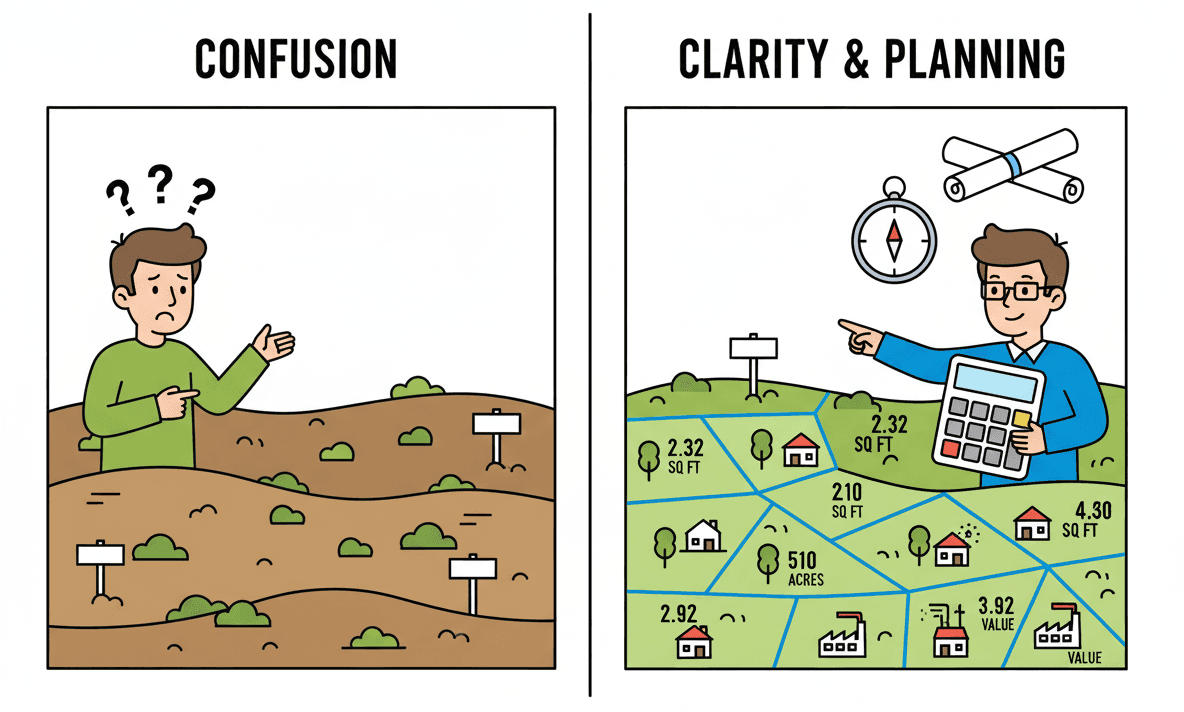
A plot area and perimeter calculator is a digital tool that measures land size and boundary length based on your plot's dimensions or coordinates.
Think of it as your pocket surveyor. Instead of hiring professionals with expensive equipment, you input your plot's measurements—and the calculator instantly gives you area (in square meters, feet, marla, etc.) and perimeter (boundary length).
Traditional surveying can cost hundreds of dollars and take days. This calculator gives preliminary results in seconds—absolutely free.
Understanding the formulas helps you trust the results. Here's how it works:
Area Formula:
Area = Length × Width
Perimeter Formula:
Perimeter = 2 × (Length + Width)Example: A plot measuring 30 meters long and 20 meters wide:
The calculator uses the Shoelace Formula (also called Surveyor's Formula) to calculate area from coordinates:
Formula:
Area = ½ |Σ(xi × yi+1 - xi+1 × yi)|This means the calculator takes each vertex coordinate, multiplies adjacent coordinates, sums them up, and divides by 2.
Perimeter Calculation: The calculator adds the distance between each consecutive point using the Pythagorean theorem:
Distance = √[(x2-x1)² + (y2-y1)²]Don't worry if formulas seem complex—the calculator handles all mathematics automatically. You just enter coordinates or dimensions.
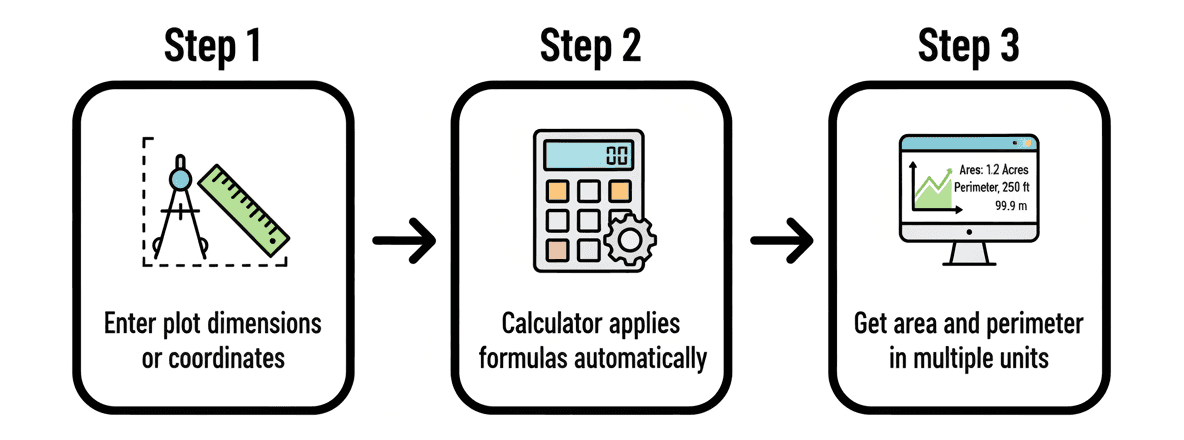
This method works for square or rectangular plots with four right angles.
Steps:
Pro Tip: Always measure twice to avoid errors. Even a small mistake amplifies when calculating area.
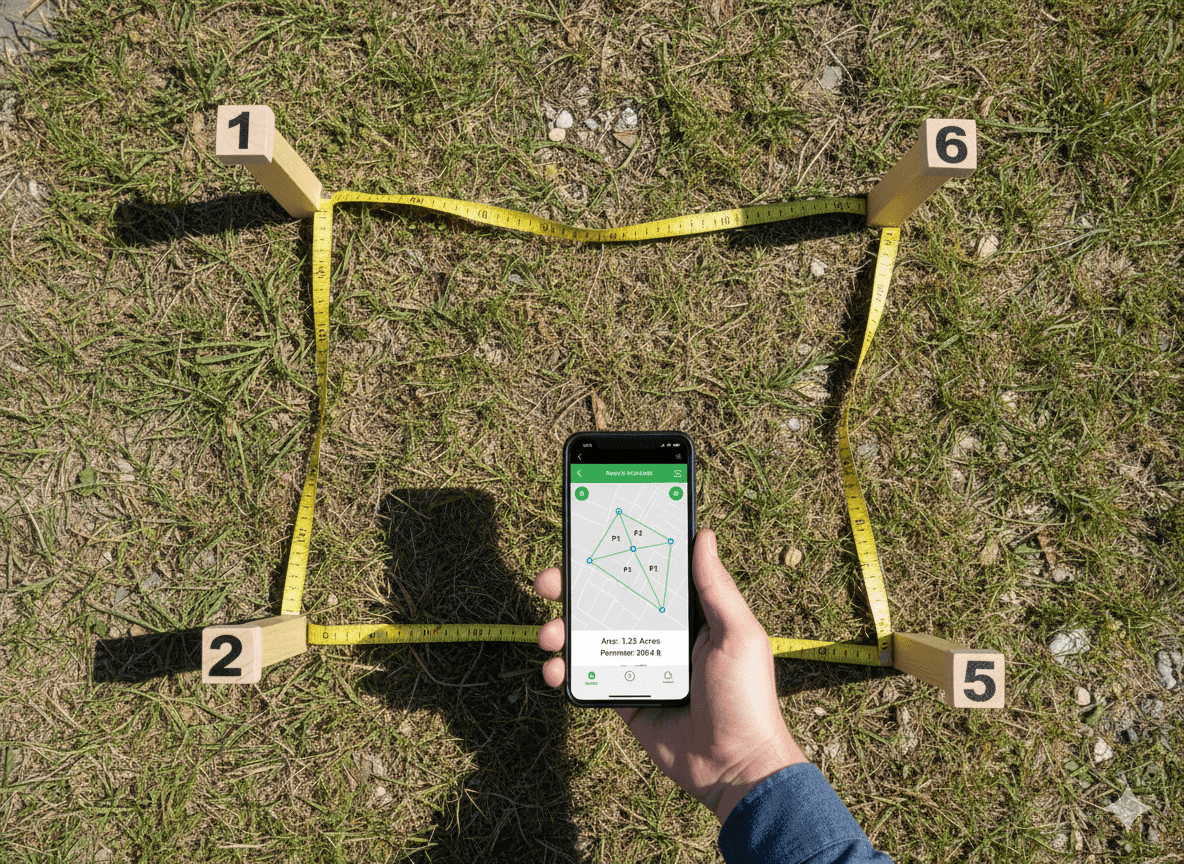
For irregular plots, you'll need corner coordinates.
Steps:
Important: Enter coordinates in clockwise or counter-clockwise order around the plot. Random order causes self-intersection errors.
Land measurement units vary by region. Here's what you need to know:
International Standard Units:
South Asian Regional Units:
Quick Conversion Reference:
The calculator automatically converts your results across all these units, so you don't need manual conversion.
| Unit Name | Symbol | Equivalent in m² | Equivalent in ft² |
|---|---|---|---|
| Square Meter | m² | 1.0 | 10.764 |
| Square Foot | ft² | 0.0929 | 1.0 |
| Square Yard | yd² | 0.8361 | 9.0 |
| Hectare | ha | 10,000 | 107,639 |
| Acre | ac | 4,046.86 | 43,560 |
| Marla (Pakistan/India) | - | 25.29 | 272.25 |
| Kanal (20 Marla) | - | 505.86 | 5,445 |
| Bigha (North India) | - | 817 - 2,500 | 8,791 - 26,910 |
| Unit Name | Symbol | Equivalent in Meters | Equivalent in Feet |
|---|---|---|---|
| Meter | m | 1.0 | 3.281 |
| Foot | ft | 0.3048 | 1.0 |
| Yard | yd | 0.9144 | 3.0 |
| Kilometer | km | 1,000 | 3,280.84 |
| Mile | mi | 1,609.34 | 5,280 |
| From | To | Multiply By | Example |
|---|---|---|---|
| Square Meters | Square Feet | 10.764 | 100 m² = 1,076.4 ft² |
| Square Feet | Square Meters | 0.0929 | 1,000 ft² = 92.9 m² |
| Marla | Square Meters | 25.29 | 10 Marla = 252.9 m² |
| Kanal | Acre | 0.125 | 8 Kanal = 1 Acre |
| Hectare | Acre | 2.471 | 1 ha = 2.471 Acres |
| Square Yards | Square Meters | 0.8361 | 500 yd² = 418.05 m² |
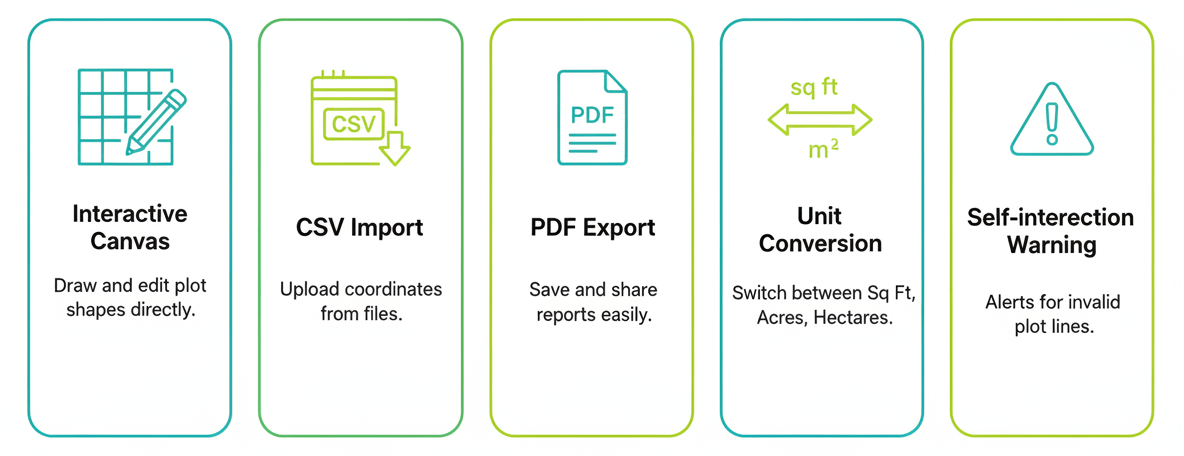
Quality calculators display your plot graphically. You can see the shape and drag vertices to adjust measurements in real-time—helpful for verifying accuracy before finalizing calculations.
Professional tools let you:
The calculator warns you if polygon sides cross each other—a common mistake when entering coordinates in wrong order. This prevents wildly inaccurate area calculations.
Enter coordinates in multiple formats:
Never mix units within one calculation. If length is in feet, width must also be in feet. The calculator converts after calculation, not during input.
Always enter polygon vertices in continuous order around the perimeter. Jumping between random corners creates impossible shapes.
Real-world plots rarely have perfect 90-degree corners. For accurate results on irregular plots, use the coordinate method instead of assuming rectangular shape.
Calculators measure horizontal area. Sloped land has more surface area than horizontal measurements indicate. For precise results on hills, consult professional surveyors.
Walking heel-to-toe for measurements introduces significant error. Always use proper measuring tools—laser measures work best for accuracy.

For Rectangular Plots:
For Irregular Plots:
General Best Practices:
| Calculation Type | Formula | Variables |
|---|---|---|
| Rectangle Area | A = L × W | L = Length, W = Width |
| Rectangle Perimeter | P = 2(L + W) | L = Length, W = Width |
| Polygon Area (Shoelace) | A = ½|Σ(xiyi+1 - xi+1yi)| | x, y = vertex coordinates |
| Distance Between Points | d = √[(x₂-x₁)² + (y₂-y₁)²] | Pythagorean theorem |
| Triangle Area | A = ½ × base × height | For right triangles |
Disclaimer: These calculations are for preliminary estimation only. Always verify measurements with certified survey methods before legal, contractual, or construction use.
Measuring your plot's area and perimeter no longer requires expensive surveying equipment or complex mathematics. Modern plot calculators deliver professional-grade results in seconds—whether you're working with rectangular plots in familiar units or irregular polygons with coordinate data.
Remember the key takeaways: use consistent units, enter polygon coordinates in order, double-check your inputs, and understand when professional surveying is necessary. For preliminary planning, construction estimates, or property verification, these calculators are invaluable free tools.
Ready to measure your plot? Try the calculator above, follow the step-by-step guide, and get accurate area and perimeter results in meters, feet, marla, kanal, or any unit you need.
Take action now: Bookmark this calculator, measure your property today, and share this guide with anyone planning construction or property purchases. Accurate measurements save money and prevent costly mistakes.
Official metrology, surveying, and property measurement standards used globally for land and coordinate-based assessments.
Defines the global base units and standards for all physical measurements used in surveying and engineering.
U.S. National Institute of Standards and Technology guidelines for land and area measurement consistency.
Mathematical principles and computation methods applied in surveying, mapping, and geospatial design.
International standards for property measurement and valuation methodology across construction and real estate sectors.
International resources for geodesy, coordinate systems, and surveying data management standards.